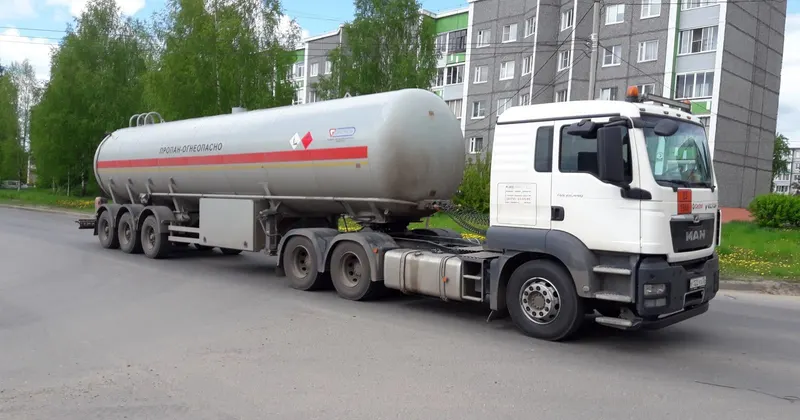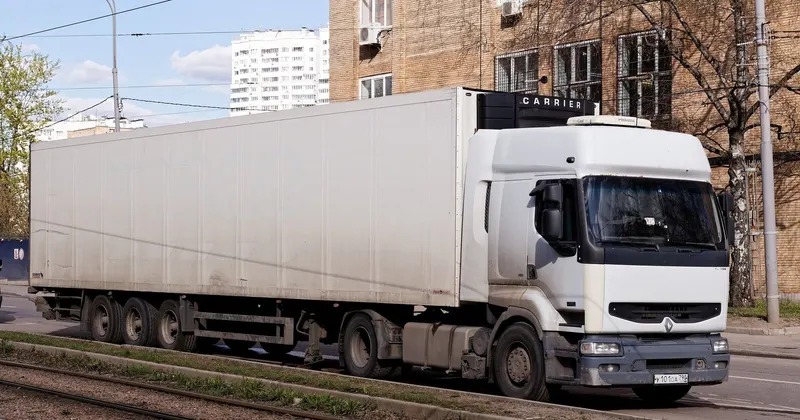
If you are self-employed and work with your own lorry, the electronic control document reaches you in all sorts of ways: one customer sends it by WhatsApp, another gives you a paper with a QR code, a third asks whether you will produce it, and the agency you work with uses its own app. You are the one who carries it in the cab and shows it at a roadside check, but not always the one who creates it. This article is about what falls to you, how to organise yourself with several customers and when it pays to generate it yourself.
What you are in the document
To carry out public road haulage you need an authorisation that entitles you to do so, under Article 42 of the Ley de Ordenación de los Transportes Terrestres (LOTT) (the Spanish Land Transport Act). And Orden FOM/2861/2012 (the Spanish ministerial order regulating the electronic control document) defines the actual carrier, in its Article 4, as the individual or company holding the authorisation under which the transport is physically carried out. In other words, on the journeys you make with your lorry and your card, you are the actual carrier, with your name and your tax ID number (NIF), even if the job was passed to you by an agency or a bigger company.
The party that hires you directly for that journey is the contractual shipper. It may be the owner of the goods, a quarry, a cooperative, an agency or the haulier who subcontracts you. The order does not specify which of the two creates the document: it requires both of you to formalise it. In practice, when you work for companies that ship a lot, they will normally do it. But that does not remove the part that is yours.
What is your responsibility even if you do not create it
Article 7.3 of the order states that the actual carrier is responsible for the absence or inaccuracy of three details: the special movement permit where there is one, the date of the transport and the vehicle's registration number. If the customer generates the document with another lorry's registration or with yesterday's date, the problem is yours.
This often happens to self-employed drivers with a single tractor unit, because of the semi-trailer. The tractor unit is always the same, but the semi-trailer changes: some days you pull your own and others you hitch up the customer's. If the document is prepared at the shipper's office with last week's registration, it is not correct. So it pays to build a habit:
- Before setting off, open the PDF and check three things: your registration and the trailer's, the date, and that you appear as the actual carrier.
- If something does not match, ask for a correction before leaving. Do not write it in by hand on the paper: it is not valid.
- Check that what you hold is the PDF with the QR code and not a photo of the delivery note.
Whatever you are carrying, the Resolución de 5 de junio de 2026 (the Spanish resolution of 5 June 2026) requires that a copy be given to you before the service begins. If you are told to set off with "we'll send it over later", that journey starts without a document.
Several customers, several systems
A self-employed driver may have three or four different shippers in the same week, each with its own way of sending the document. There is no official app: each company keeps its documents wherever it likes. To stop this turning into a mess on your phone:
- Save the PDF, not just the link. Download it as soon as it arrives and give it a name you will understand, for example the date and the customer.
- One folder per month. At the end of each month, move the documents there. If someone asks for one from months ago, you will find it.
- Do not delete corrections. If a new version reached you, keep both, but make sure the current one can be told apart at a glance.
- Note which customer does it and which does not. The risk is not in the customers who always send it, but in the one who does it sometimes and not others.
How long to keep it
Article 9 of the order requires both obliged parties, you included, to keep the document for at least one year. The resolution allows each to use their own repository and says that, if one of them generated it, it is enough for the other to be able to download it during that year. That depends on the customer's system continuing to work and on you continuing to work with them. If you stop working for that customer, the copy you saved is your way of proving the journey. Keeping it costs you very little.
When the customer does not do it
Some small shippers have no software and no intention of getting any: a farmer who hires you for one load, a workshop sending a machine, a company that only moves goods now and then. Since the order obliges both of you, if neither does it you are both liable. In those cases it is in your interest to do it yourself.
To do it properly you need the customer to give you their details: name or company name, NIF and address, the origin and destination, what is being loaded and how much it weighs. Those details are their responsibility under Article 7.2 of the order, but if they give them to you by phone and you type them in, they end up in your document. Ask for them in writing, even in a message, and keep that message with the PDF.
| Situation | Who creates it | What you do |
|---|---|---|
| Customer with software that generates it | The customer | Check your three details, save the PDF |
| Agency or haulier passing you the journey | Normally whoever passes it to you, who is the contractual shipper | The same, and check that you appear as the actual carrier |
| Small customer with no system | You, with their details | Ask for the details in writing and generate it before setting off |
| You have too much work and pass a job to another self-employed driver | You become the contractual shipper for that journey | Do it or agree that they will do it |
This last case is often forgotten: when you hand over a journey, your role changes. The one who carries it out is the actual carrier and you are the contractual shipper. It is explained in DeCA for hauliers who subcontract.
If you create it yourself: which tool to choose
The decision depends above all on how many documents you will create yourself rather than your customers. A self-employed driver whose customers almost always generate it may need only a few a month. Another who works for many small customers may create several a day. Before choosing, check:
- That you can do it from your phone, in the cab or on the loading dock, without depending on a computer.
- That it remembers what you have already used: your registrations, your regular customers, the destinations you repeat.
- That the PDF carries the QR code and a URL that downloads the document directly, without passwords.
- That you can correct it on the road with a new version and keep the previous one.
- That it keeps the documents for at least one year.
On price, with few documents a month a free plan with a limit may be enough, and a flat rate pays off when you issue daily. You can see the comparison on the DeCA pricing page.
How DeCA solves it
If your customer uses DeCA, you do not need to register or install anything: you receive the PDF with its QR code by WhatsApp or on a printed ticket. If you create it yourself, you go to the website from any phone or computer and fill in the form with help from what you have used before: shippers, hauliers and registrations. Within seconds you have the document with its QR code, and if something changes on the road you generate a new version stating the reason, while the previous one stays saved and marked as superseded. The driver's manual explains how to create the DeCA for the journey from your phone and show the QR code at a roadside check.
It costs €25 a month plus VAT per company, with unlimited documents and the first month free with no card required. You will find everything on the DeCA page.