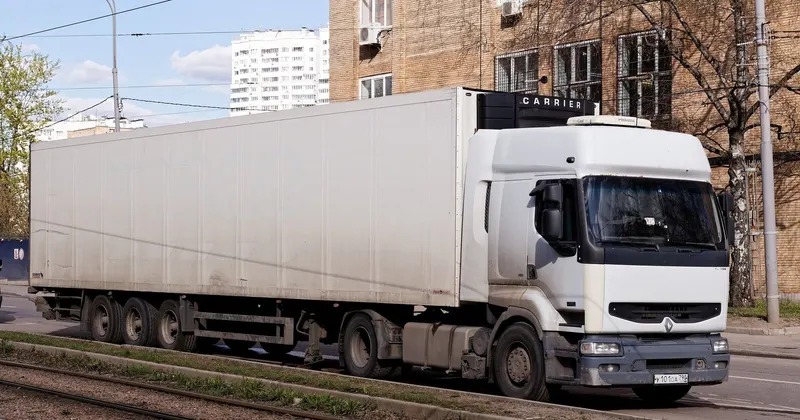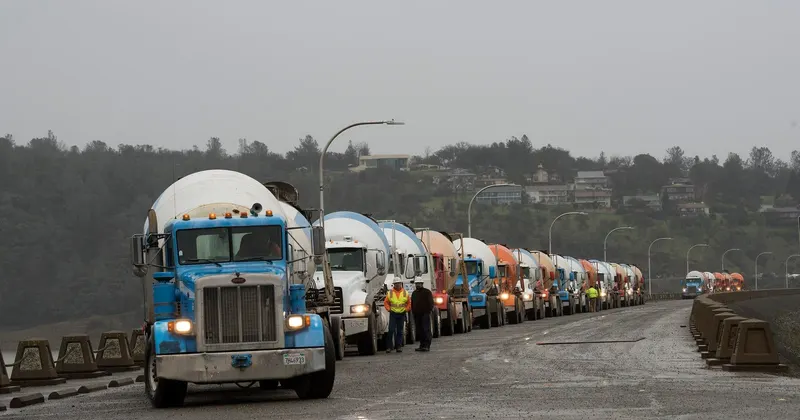
With three lorries a day, you can fill in the control document by hand on the form and nothing goes wrong. With thirty, sixty or a hundred departures, the problem is no longer knowing what data it contains, but making sure every lorry leaves with its own without holding up the weighbridge or the loading bay. The document has to exist before the lorry sets off and has to be in the driver's hands, so any bottleneck in the office turns into a queue of lorries or trips leaving without a document. This article is about how to share out the work so that doesn't happen.
Where it gets stuck: the moment of departure
The Resolución de 5 de junio de 2026 (Spanish resolution of 5 June 2026, published in the BOE, Spain's Official State Gazette) requires the document to be created before the service actually begins and the copy to reach the driver before then too. The date and time of creation are recorded in the PDF, so there is no way of "catching up" in the afternoon.
The problem is that no single person has all the data. The salesperson knows the customer and the destination, traffic knows which haulier is coming, the weighbridge knows the weight and the driver knows which semi-trailer they have hitched up. If the document waits until all of that reaches the same desk, it will be late. The solution is to separate what is known in advance from what is only known at the last minute:
| Data | When it is known | Who enters it |
|---|---|---|
| Contractual shipper (your company) | Always | Fixed in the template |
| Origin and destination | When the order is closed | Office or salesperson |
| Actual haulier | When the trip is assigned | Traffic |
| Tractor unit registration | When the trip is assigned, almost always | Traffic |
| Trailer registration | Sometimes, when the lorry arrives | Weighbridge or loading bay |
| Weight or quantity | At loading | Weighbridge or loading bay |
| Date | The day of the trip | Whoever generates the document |
If the document is left prepared with what is known from the order, at the weighbridge only two or three details remain to be completed before generating it.
Prepare the fixed data before the day starts
Most of the time lost on the control document is repeated typing. In a company with many departures, the same data appears dozens of times a day:
- Regular hauliers, with their name or company name and tax ID (NIF) correctly entered just once.
- Registrations for each haulier: tractor units and semi-trailers, to choose from rather than type.
- Recurring destinations: building sites, customers, warehouses, with their address.
- Goods with their description, and the quantity you use when the exact weight is not known at departure.
Review these lists from time to time. A wrongly typed NIF on a haulier's record is repeated on all their documents until someone spots it.
If your management software already holds this data on the delivery note, the most effective approach is for the document to come from there rather than from a second system. Every time someone copies data from one screen to another, there is a point where a mistake can creep in and a minute of queuing.
One person responsible for each step
With high volumes, "whoever is free does it" ends up meaning nobody does it. It works better to assign each step to a role:
- Whoever assigns the trip leaves the document prepared with haulier, tractor unit and destination.
- Whoever weighs or loads completes the weight and trailer, generates the document and gets it to the driver before departure.
- Whoever drives checks that they have received it and that the registration is theirs.
- Whoever supervises checks at the end of the day that none is missing.
Each person with their own user account. That way, if a document goes out with an error, you know at which step it happened and you fix it in the way you work, not just in that document.
Peaks, queues and lorries that come back
Problems appear when ten lorries arrive at once. Some guidelines:
- Choose one delivery channel per type of driver. The regular self-employed driver gets it via WhatsApp; the first-time driver whose number you don't have is given the printed ticket with the QR code. Deciding on the spot slows things down.
- Keep drivers' phone numbers on their record. Asking for them at the weighbridge every time is another queue.
- A lorry that makes several trips a day carries one document per trip. The order requires one document per shipment. If the weight or destination changes on each trip, don't reuse the morning's document.
- Don't let anyone leave with "I'll send it to you in a moment". If the system is slow one day, a minute's extra wait is better than a lorry on the road without a document.
- Keep your own lorries separate. If on the same day you load with your own fleet and with self-employed hauliers, make it visible at a glance at the weighbridge which departures carry a document and which don't.
The end-of-day check
With dozens of departures, the only way to know everything has gone well is to check. Five minutes at the end of the day is enough:
- Compare the day's departures (weighbridge tickets, delivery notes or orders served) with the list of documents generated. Every departure of a third-party lorry without a document is an incident.
- Look for documents generated after the departure time. If there are any, a step is running late.
- Review the day's corrections and the reason for them. If the same one keeps recurring, for example the trailer, that data is being entered too early or by the wrong person.
- Check that there are no prepared but ungenerated documents for trips that did leave.
Note down what comes up, even on a sheet of paper. After a few weeks you will see what always fails and which step needs changing.
How DeCA solves it
If you use Arigest, CargoGest, Agrocom or Gesthorm, the delivery note is generated with its QR code and uploaded automatically to the repository: your team changes nothing about what it does. If you use another program, you connect it through the API so that the document is generated automatically. And if you work from the web form, you fill it in with help from what you have used before: shippers, hauliers and registrations.
Users are unlimited, so the office, traffic, weighbridge and drivers all work on the same documents, and you have the list of everything generated for the end-of-day check. Each document is sent to the driver with a WhatsApp button that prepares the number and the link, or printed on the ticket with the QR code. With the flat rate of €25 a month and unlimited documents, a peak day costs no more.
You can find the ways to connect it in DeCA integrated with your program. For the weighbridge case, see DeCA for quarries and aggregates, and for many deliveries from a loading bay, DeCA for warehouses and distribution.